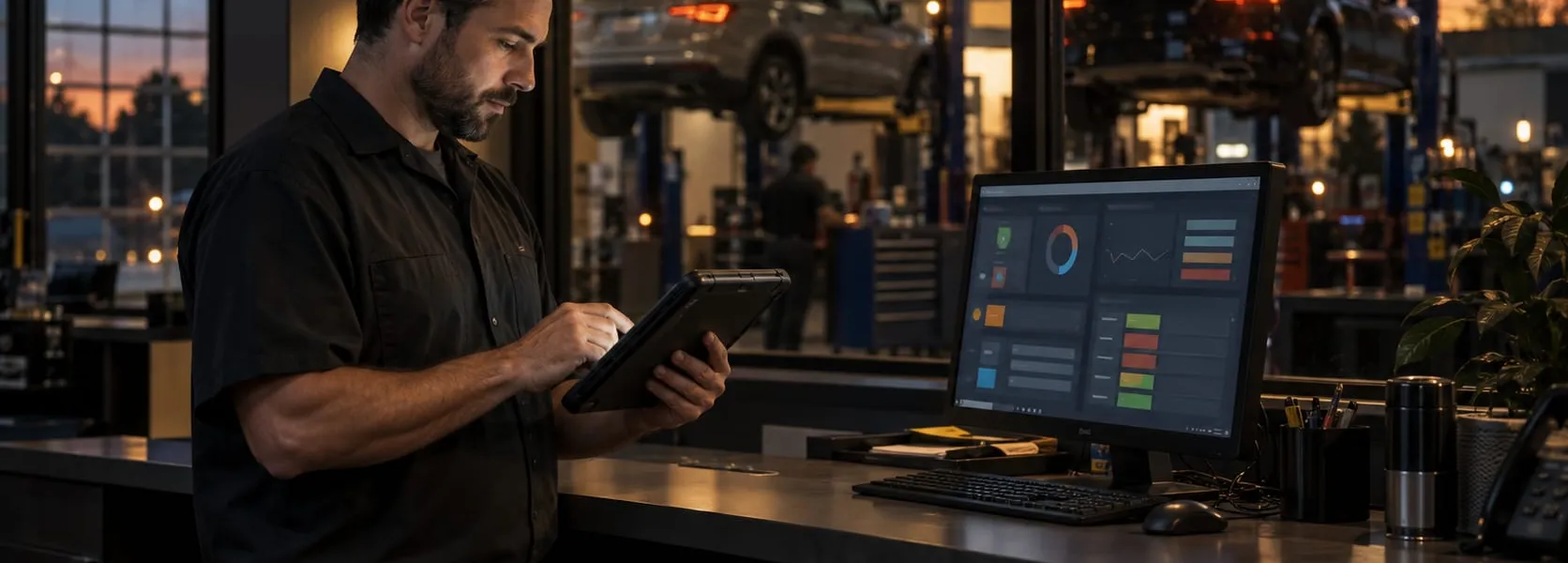
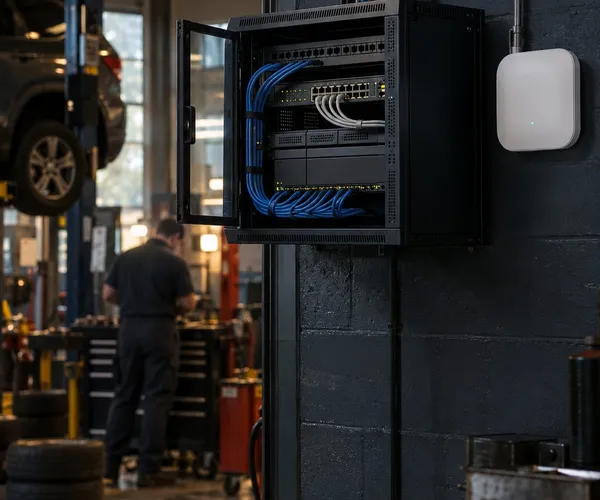
Front counters, service bays, parts workflows, phones, Wi-Fi, printers, and customer communication can depend on one another. A slow workstation, printer issue, weak signal, or vendor login problem can interrupt shop work. WOLFTRAXX SYSTEMS can discuss the affected workflow and what a defined technology scope would need to cover.
Shop systems to identify
Which workstations, tablets, service advisor stations, estimating systems, printers, scanners, phones, internet links, Wi-Fi, and network devices affect the workflow?
Workflow and handoffs
Identify where repair orders, estimates, invoices, customer communication, parts lookups, payment systems, vendor portals, and reporting depend on another provider or system.
Current controls and recovery responsibilities
Ask who manages email, identity, devices, vendor access, existing backups, phishing response, and customer-data handling. Any protection, monitoring, or recovery work needs its own written scope.
Vendor handoffs to define
List the ISP, phone, print, payment, software, hardware, cabling, and security providers. Specify any WOLFTRAXX SYSTEMS coordination duty separately in writing.
Shop platforms we support
For shops using these platforms, WOLFTRAXX SYSTEMS can discuss the surrounding computers, access, network, and printers:
Platform-specific installation, integrations, troubleshooting, and training remain with the software vendor unless a separate WOLFTRAXX SYSTEMS capability and written scope are confirmed.
What an auto shop owner says
★★★★★5.0 on Google
★★★★★
“Wolftraxx systems is the best IT company you could work with. Anthony goes over and beyond for my company. He monitors all the necessary computer and surveillance equipment. He knows when something is down before I do. He's always a phone call away and is always able to repair problems remotely. Wolftraxx is an integral part of operations for my business. We would be lost without Anthony. He's the best.”
Shops often depend on more than one platform and vendor portal. The following are examples to identify during scoping, not a claim of platform-specific support, integration, or vendor authorization:
RO Writer
Shop-Ware
Shopmonkey
AutoLeap
NAPA TRACS
CCC ONE for collision environments
Parts vendor portals
Tire distributor portals
Payment terminals and merchant systems
Invoice printers, scanners, label printers, and managed print environments
Product names are listed for compatibility and workflow context only and are trademarks of their respective owners. WOLFTRAXX SYSTEMS is not affiliated with or endorsed by these vendors unless specifically stated.
Common problems to discuss
Slow service advisor computers
Wi-Fi dead zones in service bays or waiting areas
Printers or scanners stopping repair orders and invoices
Unclear ownership between ISP, software vendor, phone vendor, and IT provider
New employee setup and old employee access removal
Weak passwords, missing MFA, phishing risk, and unmanaged vendor access
Backup uncertainty and no clear recovery plan
Expanding a shop, moving locations, adding bays, or refreshing equipment
Managed print for automotive workflows
Printers and scanners are part of the shop workflow. Identify which provider owns invoice printing, scanning, supplies, copier service, access, and print-security questions. Any managed-print service or vendor coordination should be defined in a separate written scope.
A practical first step: map the shop’s technology
Start with the workflow that is causing trouble. A focused conversation can identify the affected stations, software, network, vendors, and next decisions before anyone promises a full assessment or support package.